


When someone feels unwell, they first search online. Before they ever call your clinic, they check your website. If it loads slowly, looks dated, or hides your phone number, many will move on to the next doctor.
That is why choosing the right WordPress themes for doctors matters more than most practices realize. A good theme builds trust in seconds, makes booking easy, and works on a phone, where most patients browse.
In this guide, you’ll learn what makes a strong medical theme, see five of the best WordPress themes for doctors, and get a simple checklist for choosing one.
What Makes a Good WordPress Medical Theme?
A good WordPress medical theme loads fast, looks clean on mobile, and makes it easy to book an appointment. It should also let you show your services, credentials, and contact details without a developer’s help.
Look for these features before you commit:
Appointment and Contact Features
Patients want to act quickly. Your theme should support a prominent “Book Now” button, a simple contact form, and clickable phone numbers. Most themes work with free or paid booking plugins.
Mobile-First, Accessible Design
Most health searches happen on phones. Your theme should adapt smoothly to small screens, with readable text and strong color contrast. Good accessibility also helps patients with visual impairments.
Speed and Clean Code
Slow sites frustrate people and rank lower in search. Lightweight themes tend to perform better than bulky ones packed with affects you will never use.
Page Builder Compatibility
If you want to edit pages visually, choose a theme that works well with the block editor or a popular builder such as Elementor.
The 5 Best WordPress Themes for Doctors
These are all well-known, regularly maintained options. Features and pricing can change frequently, so please verify the current details on each theme’s official site before making a purchase.
1. Astra: Best Overall Among the Best WordPress Themes
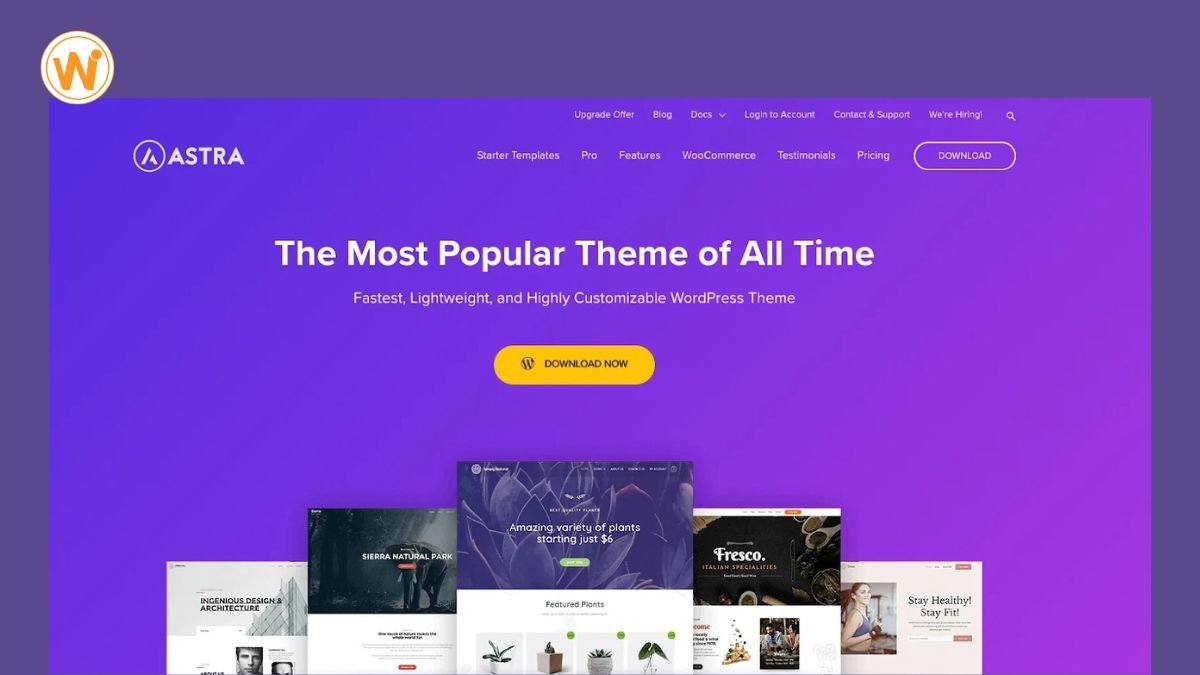
Astra is one of the most popular WordPress themes, and for doctors, it’s easy to see why. It’s lightweight, quick to set up, and comes with a large library of ready-made starter sites. That means you can import a clinic-style layout, add your logo and photos, and have a professional site running without hiring a designer.
Why doctors choose it
- Starter Templates: The library offers healthcare and clinic layouts that you can import in a few clicks, and you can import in a few clicks, then edit to match your practice.
- Speed: Astra is built to be light, which helps pages load faster on phones.
- Page builder friendly: It works with the block editor and popular builders such as Elementor, so you can edit pages your own way.
- Header and footer control: You can keep a “Book Appointment” button or phone number visible on every page.
- Plugin compatibility: It works well with common appointment booking, contact form, and SEO plugins.
- Free to start: A free version is available, so you can test it before spending anything.
Best for: Solo practitioners and small clinics that want a fast, professional site without a steep learning curve.
Watch out for: Some of the more advanced options, such as extra header layouts and premium starter sites, are only in the paid version. Check which features your chosen demo needs before you commit.
Read this: Why WordPress Is Best: 6 Key Advantages for Your Website
2. Divi: Best for Visual Customization
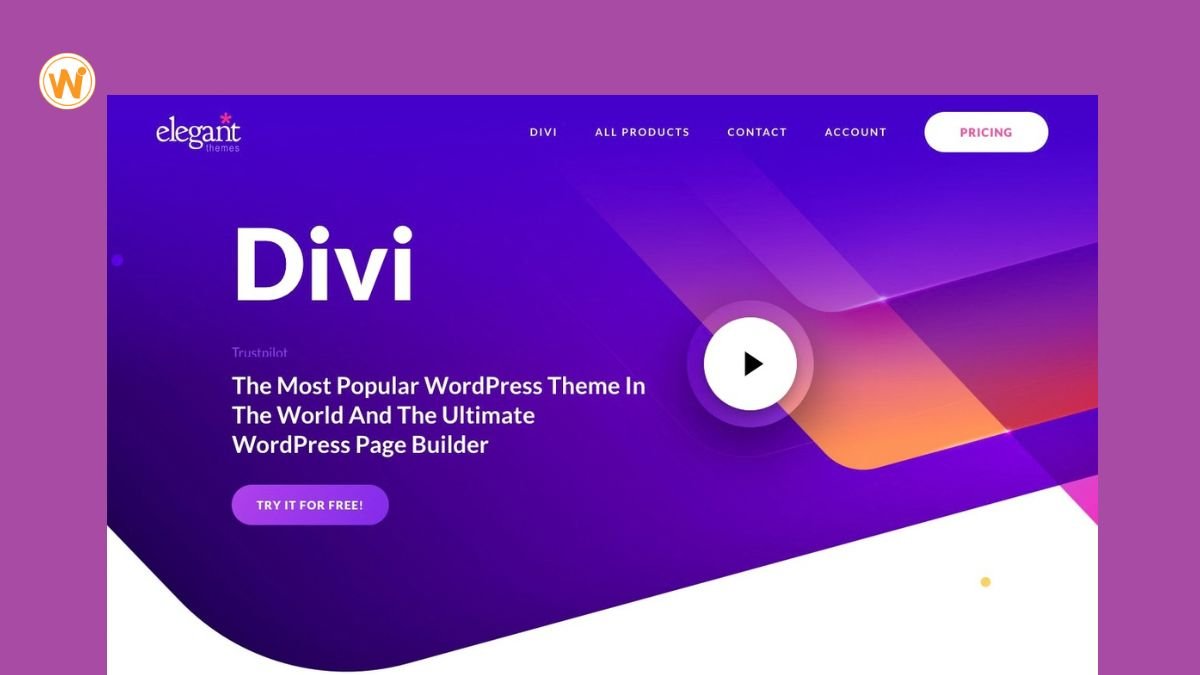
DDivi, from Elegant Themes, is both a theme and a visual page builder. Instead of working with settings panels, you click directly on your page and edit text, images, and layouts as you see them. For doctors who want their site to look distinctive, that hands-on control is the main draw.
Why Doctors choose it
- Visual Builder: You can edit pages on the live view, which makes it easy to adjust a services page or homepage without code.
- Layout packs: Divi includes many pre-made layouts across industries, including healthcare and clinic designs you can import and customize.
- Design control: You can change spacing, fonts, colors, and sections on almost every page, so your site can match your clinic’s branding.
- Built-in tools: Features like contact forms, call-to-action blocks, and sliders are included, which can reduce the number of extra plugins you need.
- Reusable elements: You can save a section, such as a “Book Appointment” banner, and reuse it across pages.
- Premium support: Support and updates come with an active membership.
Best for: Doctors and clinics that want full creative control and are comfortable spending time on design.
Watch out for: Divi has a learning curve, and it’s a paid product, with no free version to test long-term. Heavy use of effects and large images can slow pages down, so keep layouts simple. Also, content built with Divi’s builder can be harder to move to another theme later.
3. Kadence: Best for Flexible, Modern Design
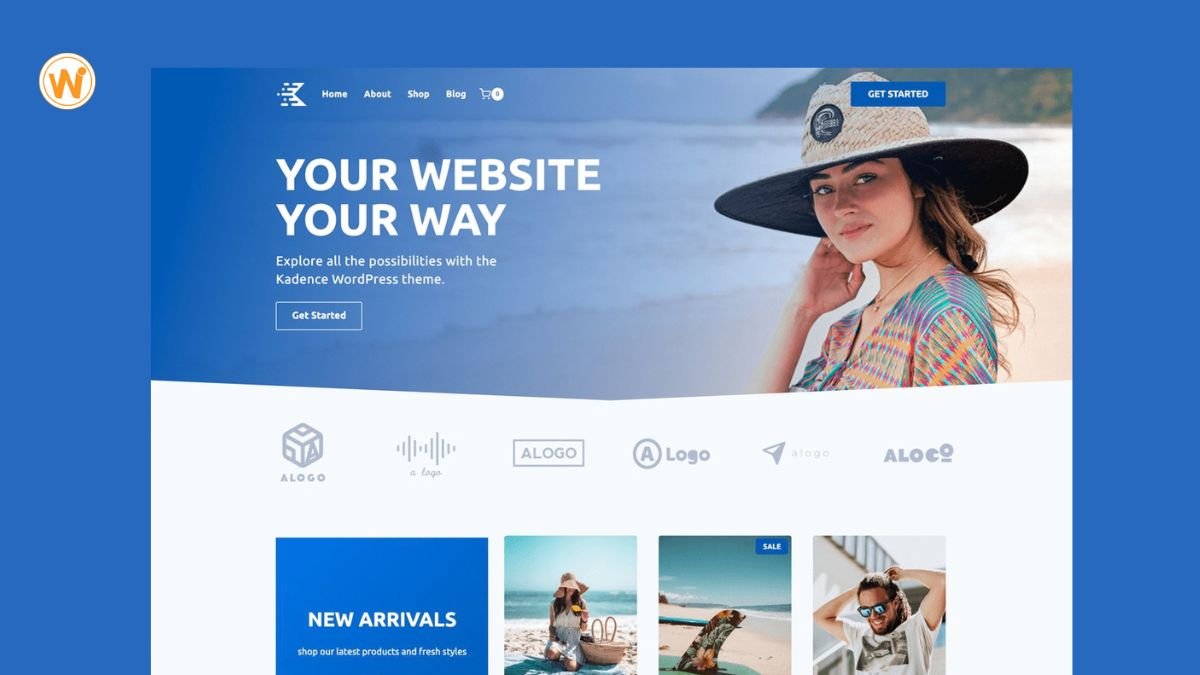
Kadence is a lightweight theme that pairs well with its own block-based design tools. It sits in a useful middle ground: more flexible than a basic theme, but lighter than a full-page builder. For doctors who want a modern, polished look without a steep learning curve, it’s a strong option.
Why Doctors choose it
- Header and footer builder: You can drag elements into place and keep a “Call Now” or “Book Appointment” button visible on every page, which is useful for busy patients on their phones.
- Starter templates: Ready-made site layouts, including options suited to clinics and health services, give you a head start you can then customize.
- Kadence Blocks: This companion plugin adds design blocks, such as forms, accordions, and icon lists, to the standard WordPress editor. An accordion works well for a patient FAQ.
- Global styling: You can set your fonts and colors once and have them apply across the whole site, which keeps your clinic’s branding consistent.
- Speed-focused: The theme is built to stay light, which helps pages load quickly.
- Free to start: A free version is available, so you can test it before deciding on an upgrade.
Best for: Growing practices that want a modern look, flexible layouts, and good performance without relying on a heavy page builder.
Watch out for: Some premium design options, extra blocks, and certain starter templates require the paid upgrade. Check which features your chosen template needs before you commit. Because it works with the block editor, there is also a small learning curve if you’ve only used simpler themes.
4. Neve: Best for Fast, Mobile-Friendly Sites
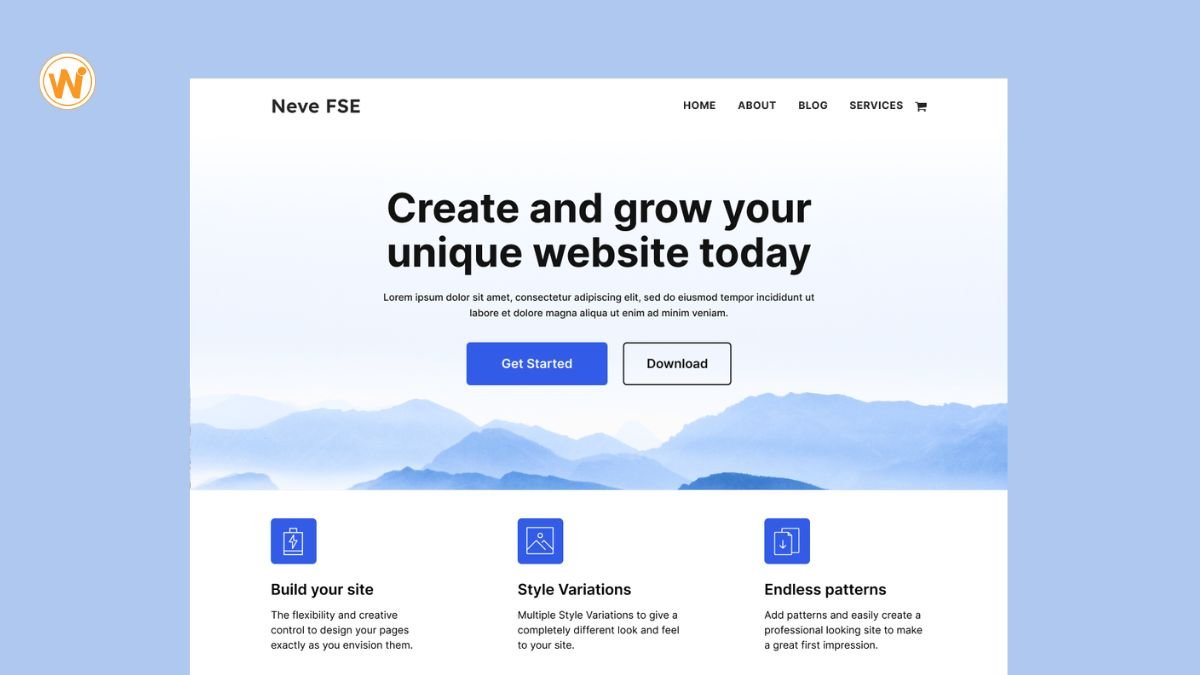
Neve, from the team at ThemeIsle, is a lightweight theme built around speed and mobile performance. Since most patients look up a doctor on their phone, a theme that loads quickly on small screens is a practical advantage. Neve keeps things simple, so you can get a clean, professional clinic site running without much fuss.
Why Doctors Choose It
- Mobile-first design: Neve is built to look and work well on phones and tablets, where many patients will find you.
- Speed: Its lightweight code is designed to keep pages loading quickly, which helps both patients and search visibility.
- Starter sites: A library of ready-made layouts, including options for medical and health-related businesses, gives you a quick head start.
- Page builder friendly: It works with the block editor and popular builders such as Elementor, so you can edit pages in the way you prefer.
- Header and footer options: You can keep a phone number or “Book Appointment” button visible across your site.
- Free to start: A free version is available, so you can try it before paying for an upgrade.
Best for: Local clinics and solo practitioners whose patients mostly browse on mobile and who value load time over complex design features.
Watch out for: Some starter sites and advanced features are only included in paid plans, so check that the demo you like is available in your plan. Neve is also more straightforward than themes like Divi, so if you want highly custom layouts, you may find it limiting.
5. GeneratePress: Best for Simple, Stable Performance
GeneratePress is a lightweight theme known for its clean code and reliability. It doesn’t try to impress with flashy demos. Instead, it gives your clinic a fast, stable foundation that stays out of the way, which suits a medical site where clarity matters more than animation.
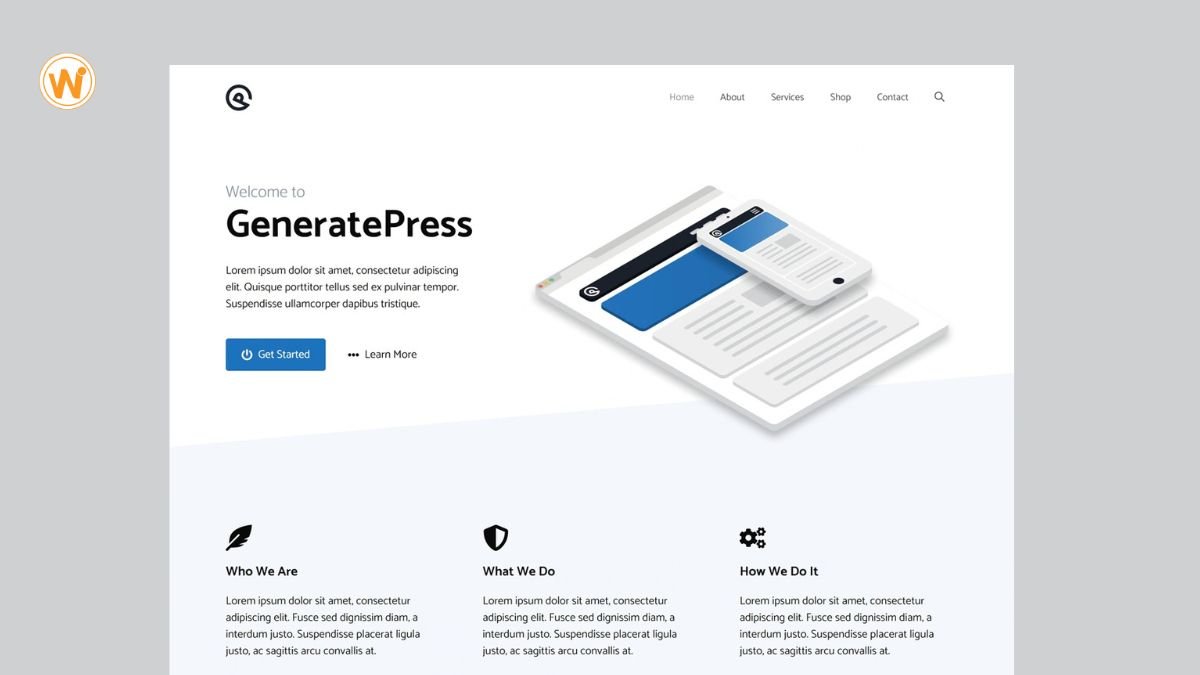
Why Doctors choose it
- Speed: Its minimal code helps pages load quickly, which patients on mobile connections appreciate.
- Site Library: The premium version includes ready-made starter layouts, so you don’t have to design from zero.
- Layout control: You can adjust headers, footers, and sidebars and place a “Book Appointment” button or phone number in the header.
- Block editor friendly: It pairs well with GenerateBlocks, made by the same developer, so you can build service pages without a heavy page builder.
- Accessibility: It’s built with clean, standards-based markup, which helps with readable, easy-to-navigate pages.
Best for: Practices that want a lean, dependable site and don’t mind spending a little time on setup.
Watch out for: The free version is fairly basic. Most medical sites will want the premium add-on for extra layout options. It also looks plain until you customize it, so plan some setup time.
How to Choose from WordPress Themes for Doctors
If five options feel like too many, work through these questions in order:
1. Who are your patients? If they are mostly on mobile, favor Neve or Astra.
2. How much design control do you want? Divi and Kadence offer the most.
3. Do you have a developer, or are you doing this yourself? Starter-site themes like Astra save time for beginners.
4. What is your budget? Compare the free and paid versions. Many practices start free and upgrade later.
A quick tip: always preview the demo on your own phone, not just your laptop.
Tips to Get More from Your Medical Website
Even the best WordPress medical themes will not do the job alone. A few habits make a real difference:
Show real photos of your team and clinic. Stock images feel impersonal
List credentials clearly, including qualifications, years of practice, and affiliations. This builds trust.
Keep your information current, especially hours, address, and phone number.
Write useful content. Short articles that answer common patient questions help you show up in search.
Add reviews or testimonials where local regulations allow.
Build a Site Your Patients Can Trust
Your website is often your first handshake with a new patient. The right theme makes that first impression calm, clear, and professional. Whether you pick Astra, Divi, Kadence, Neve, or GeneratePress, focus on speed, mobile design, and easy booking.
If you would rather skip the trial and error, the team at webeeto.com can help you choose and set up the right WordPress theme for your practice.